How AI Can Simplify Your Daily Tasks
Most of us don't lose our days to big, hard problems. We lose them to small ones: the inbox that keeps filling up, the meeting notes nobody wrote down, the spreadsheet that needs "just a quick cleanup," the trip that needs planning around three people's schedules. Each task takes only a few minutes, but together they fill whole afternoons. This is where AI is most useful right now. It isn't replacing your judgment. It's handling the busywork around it.
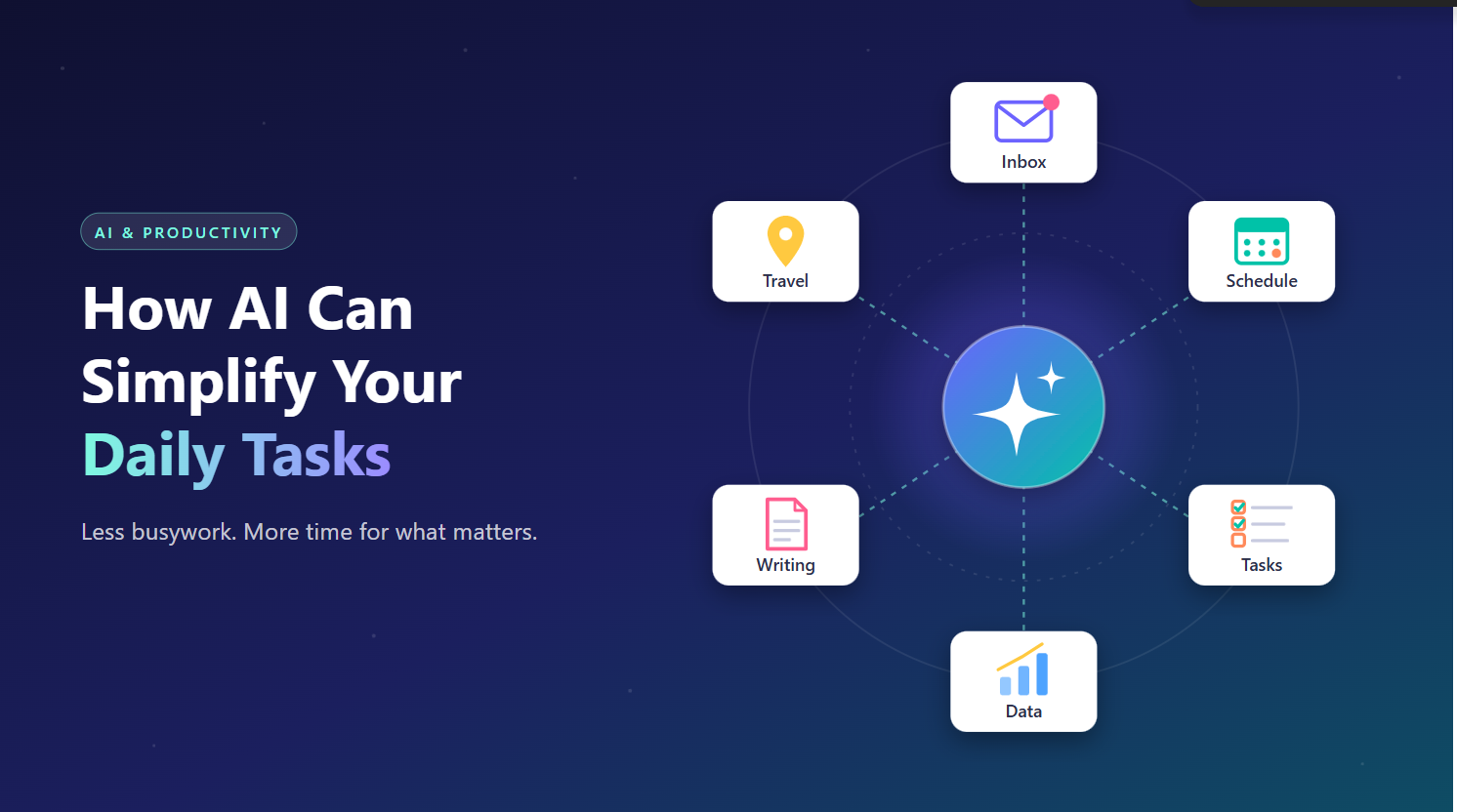
How AI Can Simplify Your Daily Tasks
Most of us don't lose our days to big, hard problems. We lose them to small ones: the inbox that keeps filling up, the meeting notes nobody wrote down, the spreadsheet that needs "just a quick cleanup," the trip that needs planning around three people's schedules. Each task takes only a few minutes, but together they fill whole afternoons. This is where AI is most useful right now. It isn't replacing your judgment. It's handling the busywork around it.
1. Taming the Inbox
Email is one of the easiest wins. AI assistants can summarize long threads in a few lines, pull out action items, and draft replies that you edit rather than write from scratch. Instead of reading a 30-message chain to find out what was decided, you can ask "What's the outcome here, and is anything waiting on me?" and have an answer in seconds.
The time saved isn't only in typing. It's in the mental switching. You spend less energy getting oriented and more on the decisions only you can make.
2. Writing Without the Blank Page
Whether it's a status update, a cover letter, a product description, or a hard message to a colleague, starting is often the hardest part. AI is very good at producing a solid first draft from a few bullet points. You provide the substance and the tone, and it provides the structure.
It also works in reverse. Paste in something you've written and ask it to tighten the wording, fix the grammar, or adjust it for a different audience, such as turning a technical explanation into something a client will understand.
3. Organizing Your Time
AI tools built into calendars and task managers can find meeting slots across time zones, turn a messy brain dump into a prioritized to-do list, and break a vague goal ("launch the new website") into concrete steps with rough timelines. Some can even suggest where to block focus time based on how your week is filling up.
A simple habit that works well: at the start of each day, give an assistant your task list and calendar, then ask it to help you decide what actually needs to happen today.
4. Making Sense of Information
Reports, contracts, research papers, and long documentation can take hours to get through. AI can summarize them, answer specific questions about them ("What's the cancellation policy in this agreement?"), or compare two versions to show what changed. It won't replace a careful read when the stakes are high, but it tells you where to focus.
5. Handling Data and Spreadsheets
You don't need to be a formula expert anymore. You can describe what you want in plain language ("total sales by region, excluding returns") and AI can write the formula, build the pivot table, or clean up inconsistent entries. For recurring reports, it can help you set up a process once so the same work doesn't have to be redone every month.
6. Everyday Life Outside Work
The benefits carry over to home life too:
- Meal planning: Suggesting a week of dinners based on what's already in the fridge, with a grocery list included.
- Travel: Building itineraries, comparing options, and packing lists tailored to the destination and weather.
- Learning: Explaining a new concept at your level, quizzing you, or walking you through a repair step by step.
- Personal admin: Drafting a complaint letter, understanding a confusing bill, or preparing questions before a doctor's appointment.
7. Automating the Repetitive
The most powerful change comes when AI moves from answering questions to taking actions: filing attachments into the right folders, renaming batches of files, updating a tracker when an email arrives, or producing a weekly summary automatically. For developers, this also covers generating boilerplate, writing unit tests, explaining unfamiliar code, and drafting documentation. That frees up time for design and problem-solving.
Using AI Well
A few principles help you get the benefits without the pitfalls:
- Stay in the loop. Treat AI output as a strong draft, not a final answer. Check facts, figures, and anything with real consequences.
- Be specific. The more context you give (audience, tone, constraints, examples), the better the result.
- Protect sensitive information. Know what data your tools store, and follow your organization's policies.
- Start small. Pick one recurring annoyance, such as email triage or meeting notes, and build the habit there before expanding.
The Bottom Line
AI's biggest impact on daily life isn't dramatic. It's cumulative. Ten minutes saved on email, fifteen on a report, twenty on planning the week, and suddenly you have back an hour a day for work that matters, or for not working at all. The goal isn't to do more tasks. It's to spend less of yourself on the ones that never needed you in the first place.
Related articles

Ukrainian Jet-Powered Interceptor Passes Key Tests, Reserves Speed to Engage Targets, Ukrinform Reports
A Ukrainian-made jet-powered interceptor has demonstrated sufficient speed reserves during testing to engage a range of aerial targets, according to Ukrainian news agency Ukrinform.
Trump Says US Will Create an ‘AI Force’ Modeled on Space Force
The US president did not specify whether the initiative would involve establishing a new branch of the armed forces, according to TASS.

TechCrunch Sets Sept. 25 Deadline for Discounted Disrupt 2026 Tickets
Early ticket pricing for the annual technology conference is set to expire in six days, according to TechCrunch.

China Pushes Back on US Warnings to Slow AI Development, Guardian Reports
Beijing officials and businesses argue calls for caution are designed to preserve America's technological lead, according to a Guardian report

Homoglyph attacks: how scammers use nearly identical URLs to steal credentials
Fraudsters are exploiting character substitution—replacing Latin letters with lookalike Cyrillic or other Unicode characters—to create fake websites that pass casual inspection.

Australia's PM Asks Apple's Tim Cook to Back Online Safety, AI Rules
Anthony Albanese urges big tech support for Canberra's internet safety and artificial intelligence regulations, according to Al Jazeera.
Comments
Loading comments…